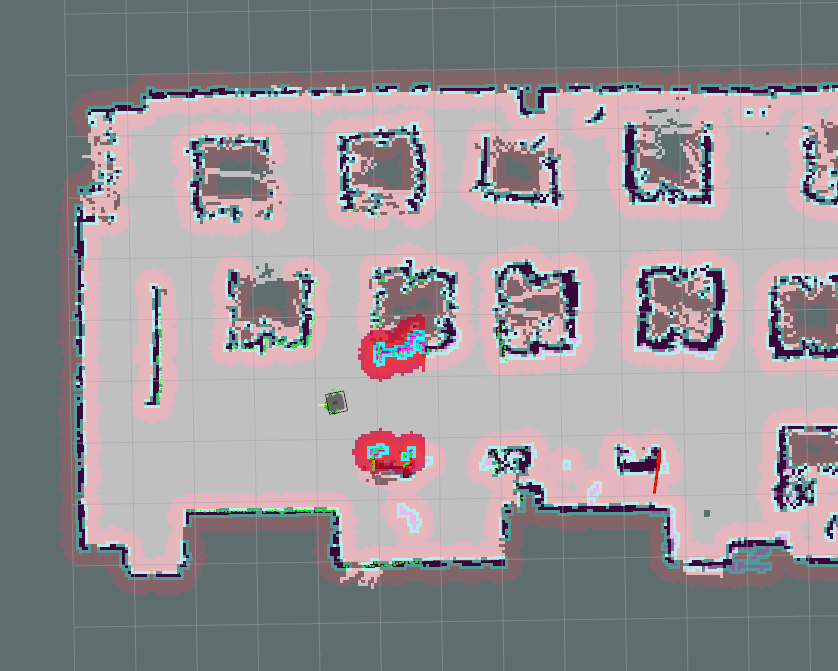
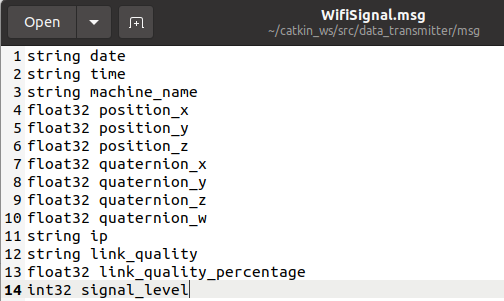
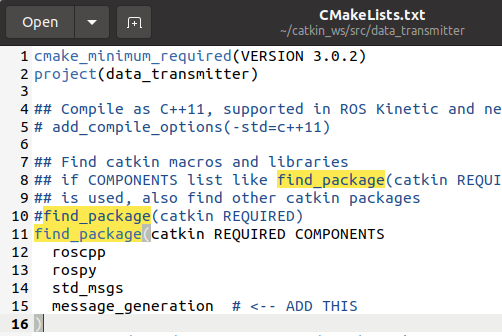
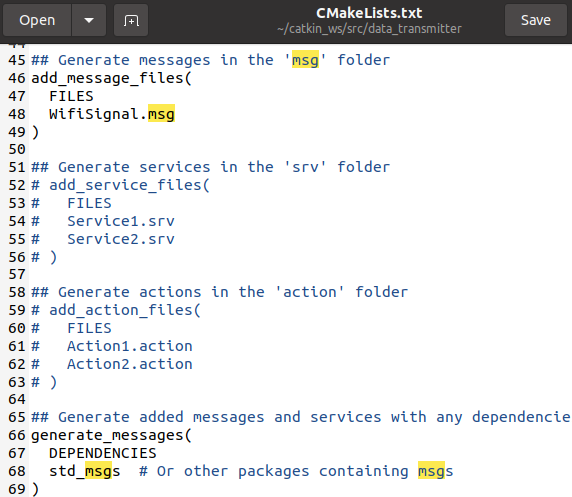
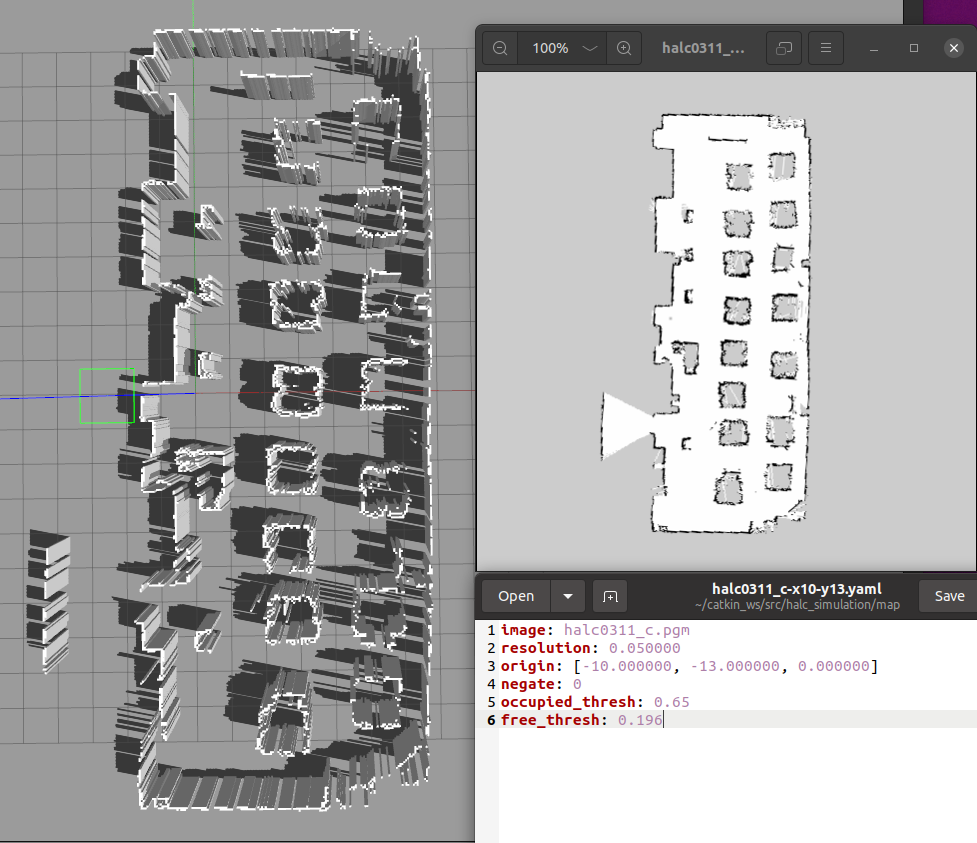
2. Edit the map (crop/rotate/add walls/add unknown area)
convert map.pgm map.png edit map.png using any photo edit tool (photopea.com)
convert map.png map.pgm
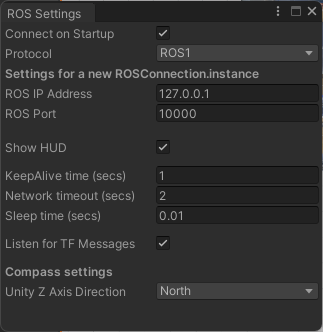
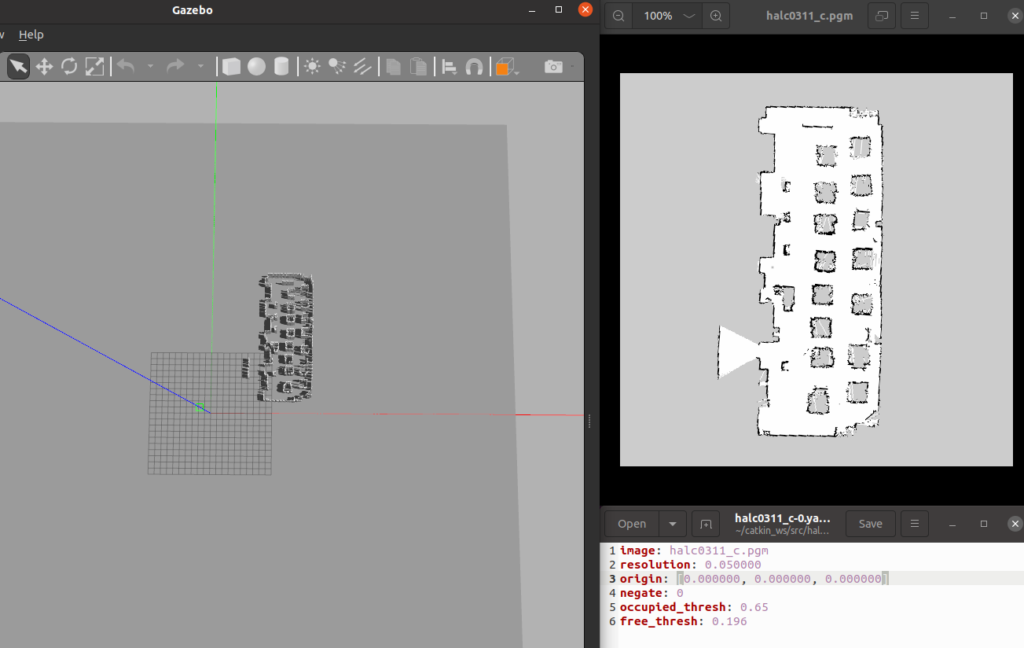
3. Edit map.yaml file to set the robot origin
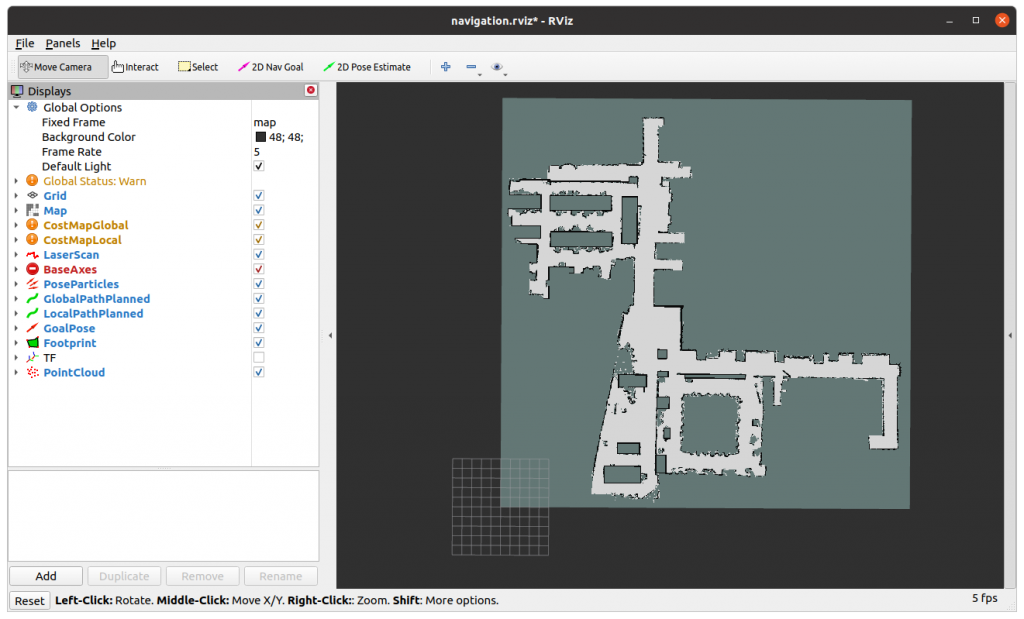
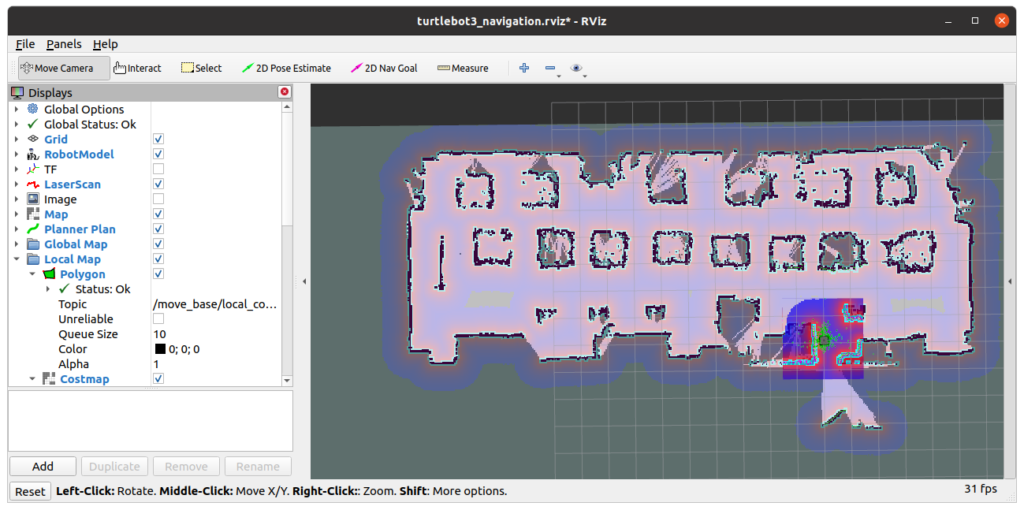
first set origin: [0.0, 0.0, 0.0], the bottom left of the map will be set to center in the rviz.
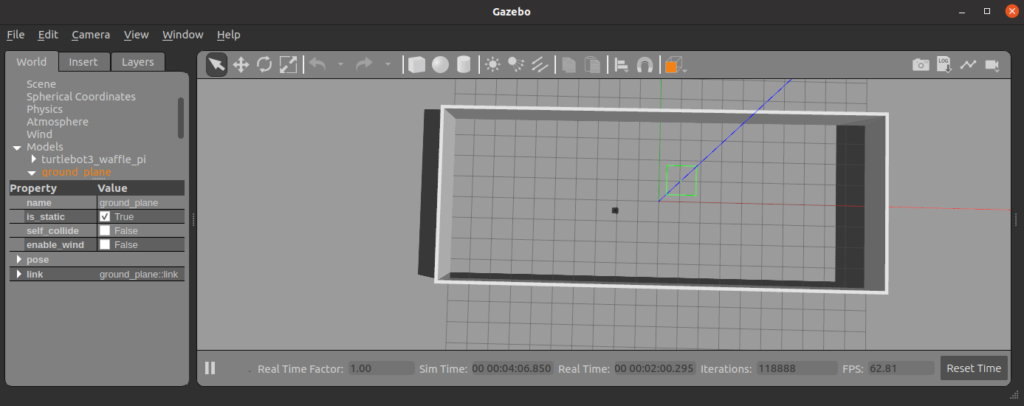
One grid equal to 1 metre.
Run rosrun rviz rviz -d navigation.rviz to open rviz.
Run rosrun map_server map_server cmc7f_202504.yaml to load map.
Update yaml file, Assign x = -5.0 will move map to the left, y= -5.0 will move map down.
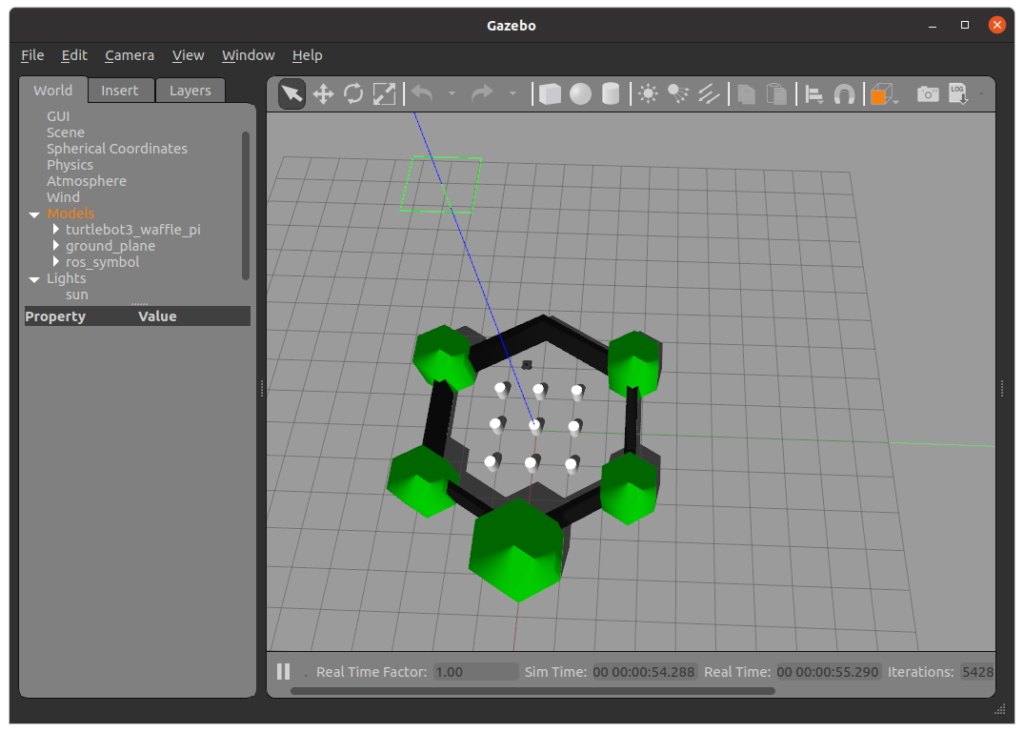
The center of 10×10 grid is the position where the robot spawn.
Save yaml file, and load the map again to update origin position in rviz
4. Run map_server to load map
rosrun map_server map_server cmc7f_202504.yaml [ INFO] [1766297469.674219814]: Loading map from image “cmc7f_202504.pgm”
[ INFO] [1766297469.679488601]: Read a 850 X 850 map @ 0.050 m/cell
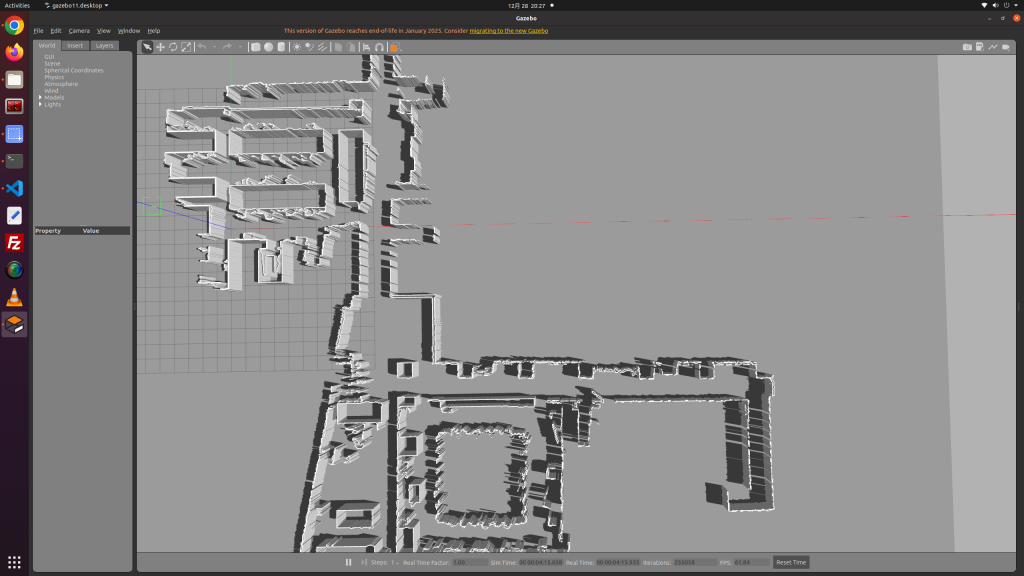
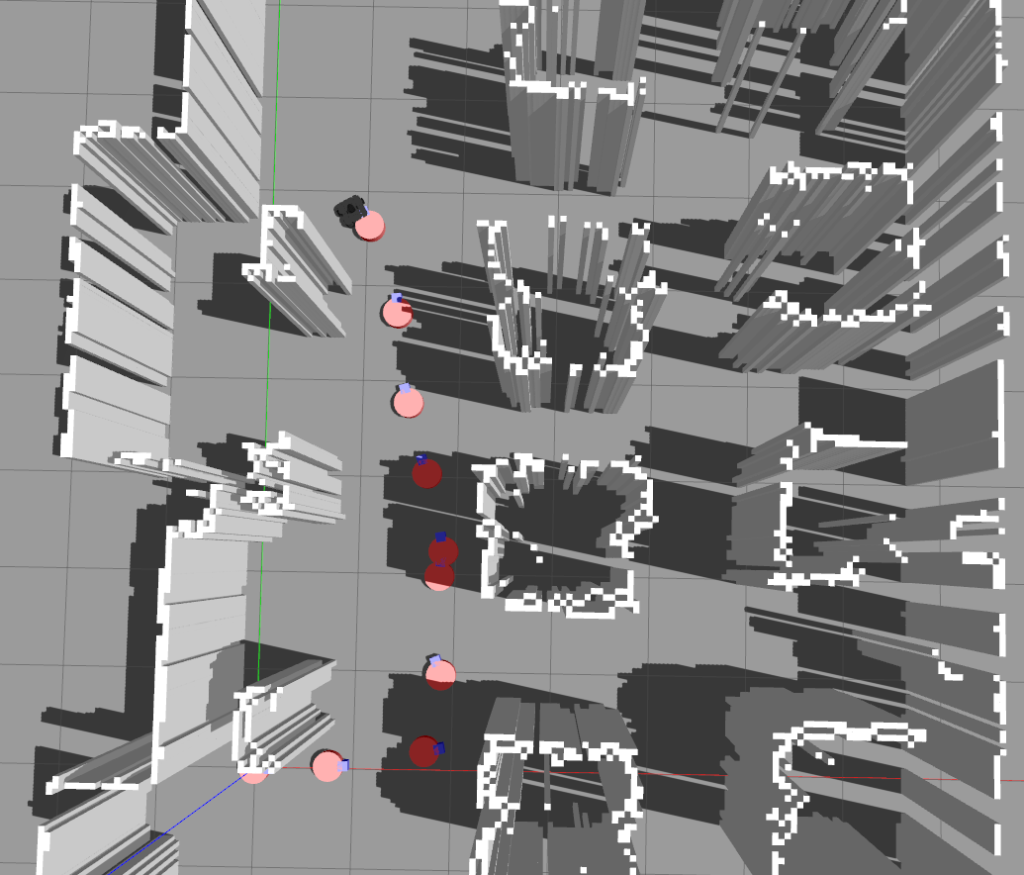
5. Run map2gazebo.launch to create a model from rosmap
roslaunch map2gazebo map2gazebo.launch params_file:=$(rospack find map2gazebo)/config/defaults.yaml [INFO] [1766297467.412934]: map2gazebo running
[INFO] [1766297469.685248]: Received map
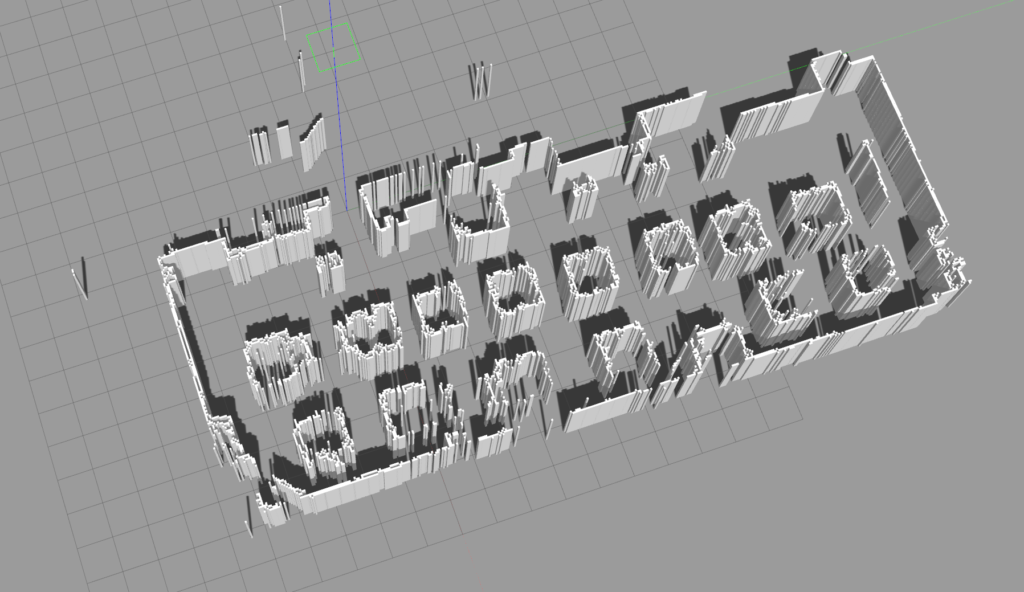
[INFO] [1766297481.411006]: Exported STL. You can shut down this node now
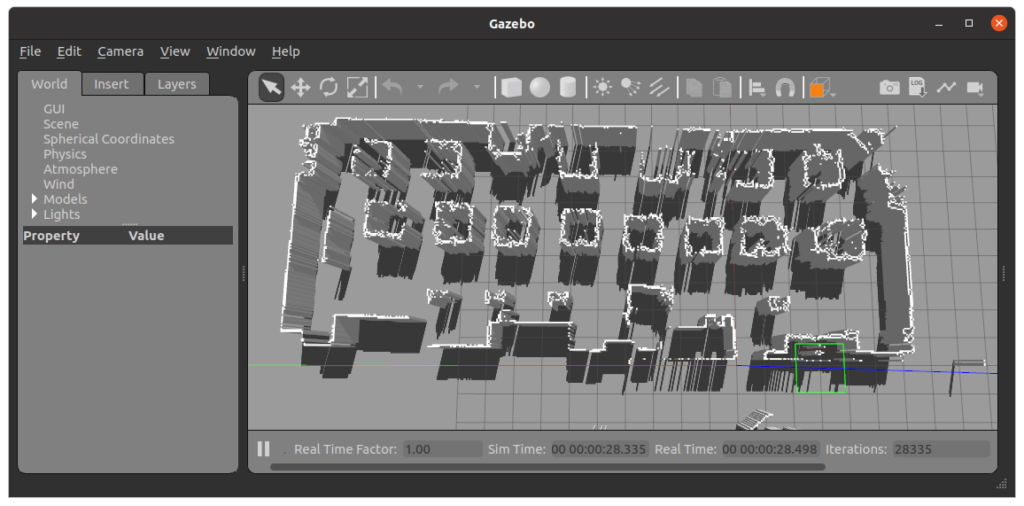
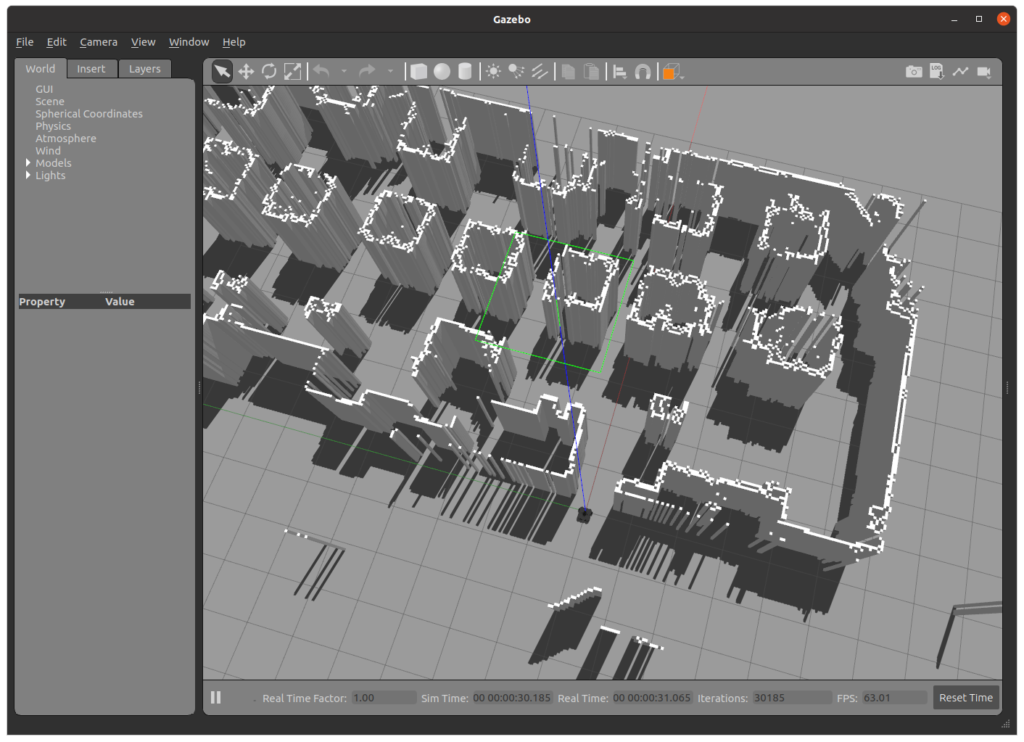
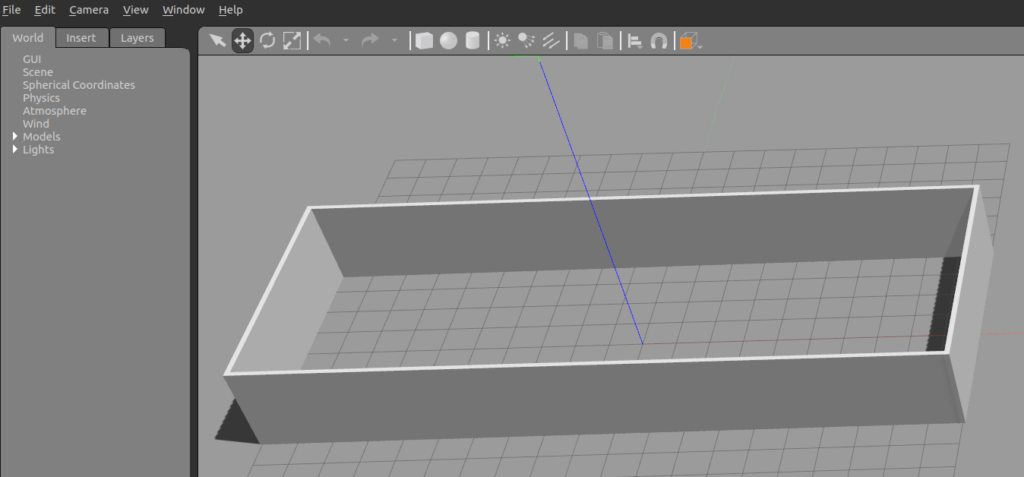
6. Run gazebo_world.launch, then File -> Save World As -> map_7f.world roslaunch map2gazebo gazebo_world.launch
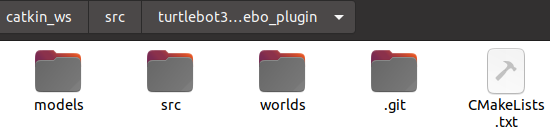
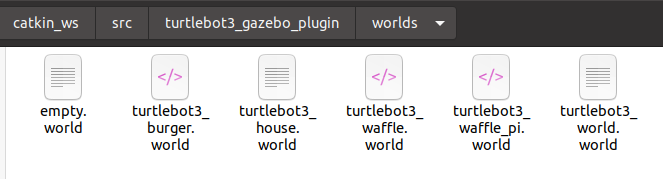
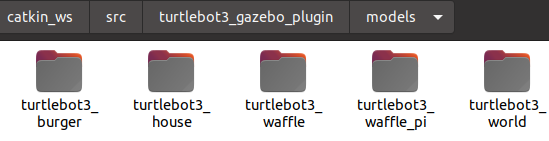
7. Copy .world file and folder ~/catkin_ws/src/map2gazebo/models to destination
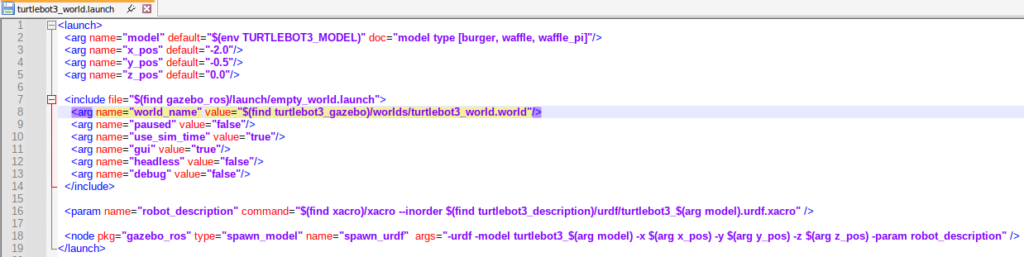
8. Create a launch file that read load the model folder and .world file
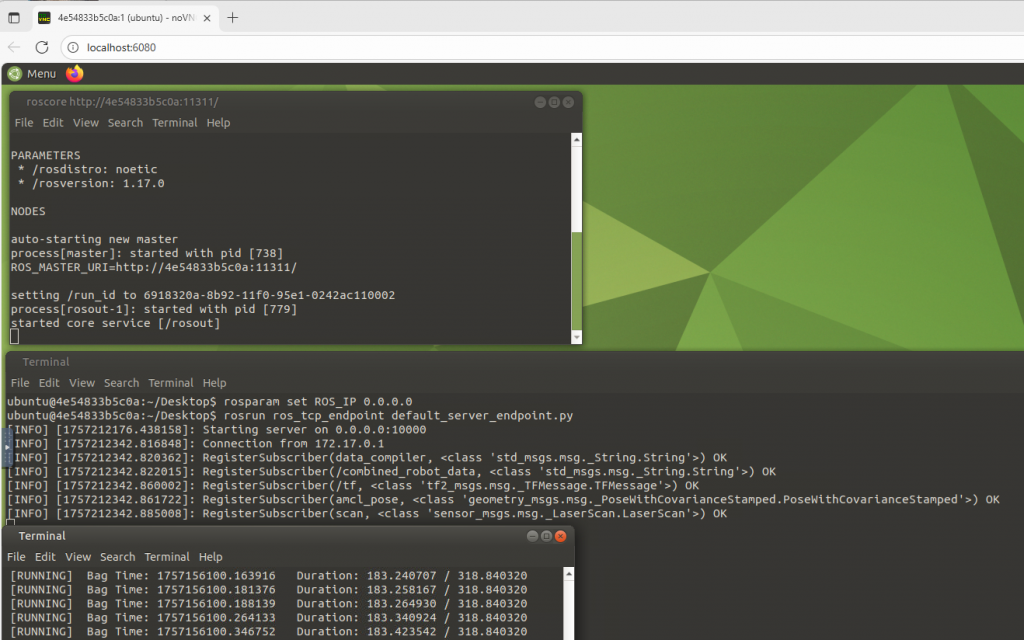
rosrun halc0311_simulation turtlebot_move_spawn_write.py (this program is somehow so slow)
don’t know why the robot is so drift left/right when command moving forward.
Thinking a better way to generate the waypoints…..
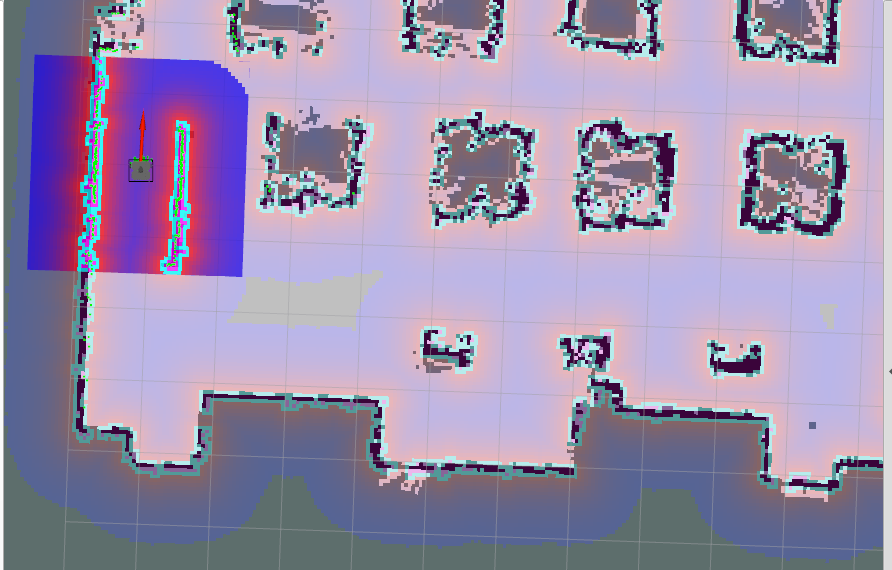
default turtlebot costmapafter reduce threshold on costmap
#1 run gazebo of simulation map
roslaunch halc0311_simulation turtlebot3_gazebo_halc.launch

#2 run amcl navigation (rviz) reading a scan map
roslaunch turtlebot3_navigation turtlebot3_navigation.launch map_file:=$HOME/catkin_ws/src/halc0311_simulation/map/halc0311_c.yaml

# for keyboard control
roslaunch turtlebot3_teleop turtlebot3_teleop_key.launch

#3 save current amcl pose (waypoint) to a file and mark a waypoint on gazebo
rosrun halc0311_simulation recorddraw_goal2digit_onefile.py

#4 read the waypoint file and let the robot move along the waypoint
rosrun halc0311_simulation megarover_sequence_goals.py goal_sequence_20250316_161024.yaml

# cancel navigation goal
rostopic pub /move_base/cancel actionlib_msgs/GoalID -- {}
run keyboard or mouse
rosrun teleop_twist_keyboard teleop_twist_keyboard.py // not work
roslaunch turtlebot3_teleop turtlebot3_teleop_key.launch  //ok
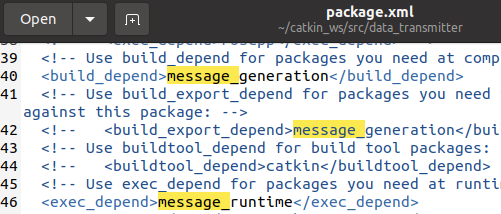
First we need to install these libraries pip install –user trimesh pip install –user numpy pip install –user pycollada pip install –user scipy pip install –user networkx
2. Several errors
[ERROR] [1741507226.788502]: bad callback: <bound method MapConverter.map_callback of <__main__.MapConverter object at 0x7fd8238e8f40>>
Traceback (most recent call last):
  File "/opt/ros/noetic/lib/python3/dist-packages/rospy/topics.py", line 750, in _invoke_callback
    cb(msg)
  File "/home/zotac-d05/catkin_ws/src/map2gazebo/src/map2gazebo.py", line 30, in map_callback
    contours = self.get_occupied_regions(map_array)
  File "/home/zotac-d05/catkin_ws/src/map2gazebo/src/map2gazebo.py", line 72, in get_occupied_regions
    image, contours, hierarchy = cv2.findContours(
ValueError: not enough values to unpack (expected 3, got 2)
ValueError: not enough values to unpack (expected 3, got 2)
process[map2gazebo-1]: started with pid [29285]
[INFO] [1766289078.421279]: map2gazebo running
[INFO] [1766289078.432847]: Received map
[ERROR] [1766289080.632500]: bad callback: <bound method MapConverter.map_callback of <__main__.MapConverter object at 0x7f5e2d288100>>
Traceback (most recent call last):
  File "/opt/ros/noetic/lib/python3/dist-packages/rospy/topics.py", line 750, in _invoke_callback
    cb(msg)
  File "/home/zotac-d06/catkin_ws/src/map2gazebo/src/map2gazebo.py", line 43, in map_callback
    mesh.export(f, "stl")
  File "/home/zotac-d06/.local/lib/python3.8/site-packages/trimesh/base.py", line 2931, in export
    return export_mesh(mesh=self, file_obj=file_obj, file_type=file_type, **kwargs)
  File "/home/zotac-d06/.local/lib/python3.8/site-packages/trimesh/exchange/export.py", line 101, in export_mesh
    result = util.write_encoded(file_obj, export)
  File "/home/zotac-d06/.local/lib/python3.8/site-packages/trimesh/util.py", line 2171, in write_encoded
    file_obj.write(stuff.decode(encoding))
UnicodeDecodeError: 'utf-8' codec can't decode byte 0x89 in position 81: invalid start byte
Change open function variable from “w” to “wb”
    if mesh_type == "stl":
        with open(export_dir + "/map.stl", 'wb') as f:
            mesh.export(f, "stl")
        rospy.loginfo("Exported STL.  You can shut down this node now")
    elif mesh_type == "dae":
        with open(export_dir + "/map.dae", 'wb') as f:
            f.write(trimesh.exchange.dae.export_collada(mesh))
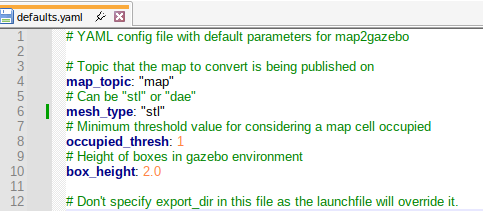
3. You can select output between stl or dae
~/catkin_ws/src/map2gazebo/config/defaults.yaml
4. The export directory was set to $(find map2gazebo)/models/map/meshes” if there is no this folder, it will say the error…
roslaunch map2gazebo gazebo_world.launchrelationship between pgm image and the yaml original setting that reflect gazebo worldyaml adjustment
Then, File -> Save World As halc.world hence you will get the current camera pose. copy the models folder to the package where you copy .world to
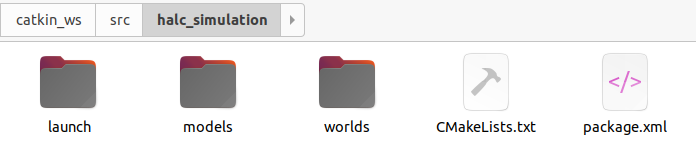
zotac-d05@d05:~/catkin_ws/src$ catkin_create_pkg halc_simulation
Created file halc_simulation/package.xml
Created file halc_simulation/CMakeLists.txt
Successfully created files in /home/zotac-d05/catkin_ws/src/halc_simulation. Please adjust the values in package.xml.
zotac-d05@d05:~/catkin_ws/src$ cd halc_simulation
zotac-d05@d05:~/catkin_ws/src/halc_simulation$ mkdir -p worlds launch
zotac-d05@d05:~/catkin_ws$ catkin build
roslaunch halc_simulation gazebo_halc.launch
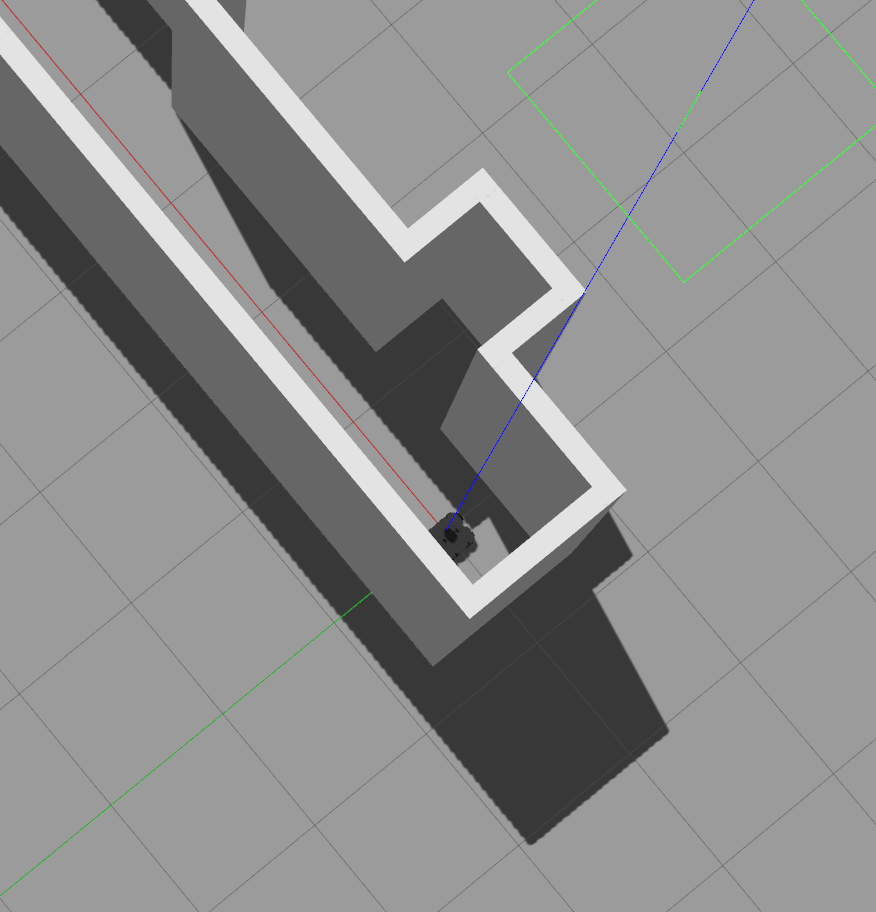
Creating a world with turtlebot (this method load map.sdf, unable to adjust the camera pose, just save the world via gazebo is fine!)
zotac-d05@d05:~$ roslaunch turtlebot3_gazebo turtlebot3_fmt_world.launch
... logging to /home/zotac-d05/.ros/log/c07d07c4-fca8-11ef-89bd-9985b327fdea/roslaunch-d05-17171.log
Checking log directory for disk usage. This may take a while.
Press Ctrl-C to interrupt
Done checking log file disk usage. Usage is <1GB.

RLException: Invalid <param> tag: Cannot load command parameter [robot_description]: no such command [['/opt/ros/noetic/share/xacro/xacro.py', '/home/zotac-d05/catkin_ws/src/turtlebot3/turtlebot3_description/urdf/turtlebot3_waffle_pi.urdf.xacro']].

Param xml is <param name="robot_description" command="$(find xacro)/xacro.py $(find turtlebot3_description)/urdf/turtlebot3_$(arg model).urdf.xacro"/>
The traceback for the exception was written to the log file
go back to the tutorial ROS演習7-2019:デッドレコニングを実装しよう!
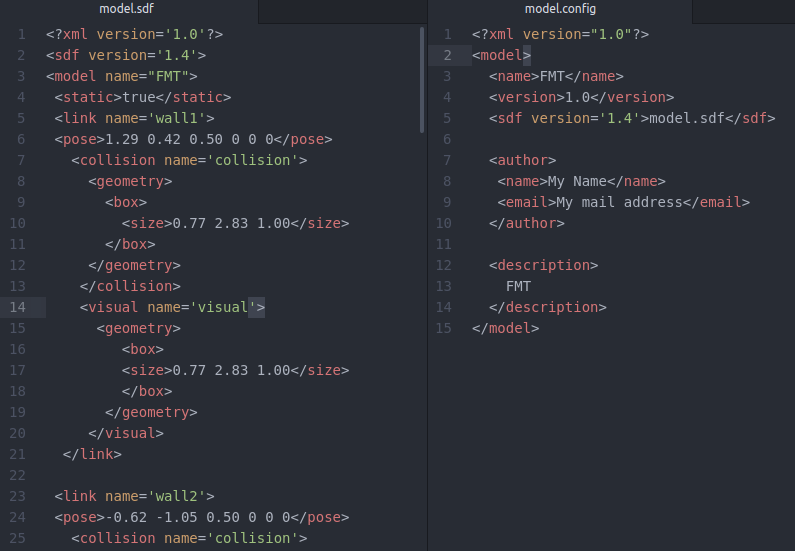
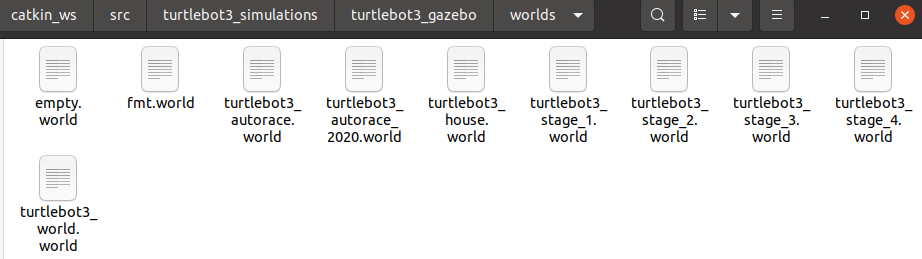
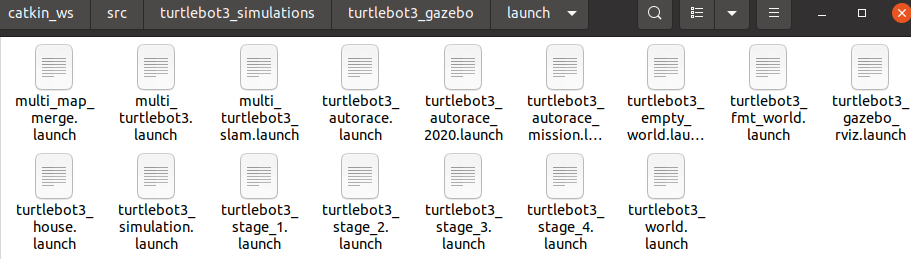
note that there are turtlebot3_fmt_world.launch file, fmt.world file and fmt model file.
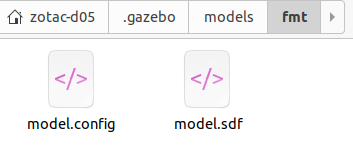
fmt model folder with sdf model and config.
then try the program again roslaunch turtlebot3_teleop turtlebot3_teleop_key.launch roslaunch turtlebot3_gazebo turtlebot3_fmt_world.launch roslaunch turtlebot3_slam turtlebot3_slam.launch slam_methods:=gmapping
zotac-d05@d05:~/catkin_ws/src/my_gazebo_world/worlds$ gazebo 02_map_world
Error [parser.cc:775] No <model> element in configFile[/home/zotac-d05/.gazebo/models/my_ground_plane/model.config]
Error Code 12 Msg: Unable to resolve uri[model://my_ground_plane] to model path [/home/zotac-d05/.gazebo/models/my_ground_plane] since it does not contain a model.config file.
~/.gazebo/models
Move 01_square_world to ~/catkin_ws/src/turtlebot3_simulations/turtlebot3_gazebo/worlds/01_square_world.world
Create turtlebot3_square_world.launch in turtlebot3_square_world.launch